






Digital Banking Services
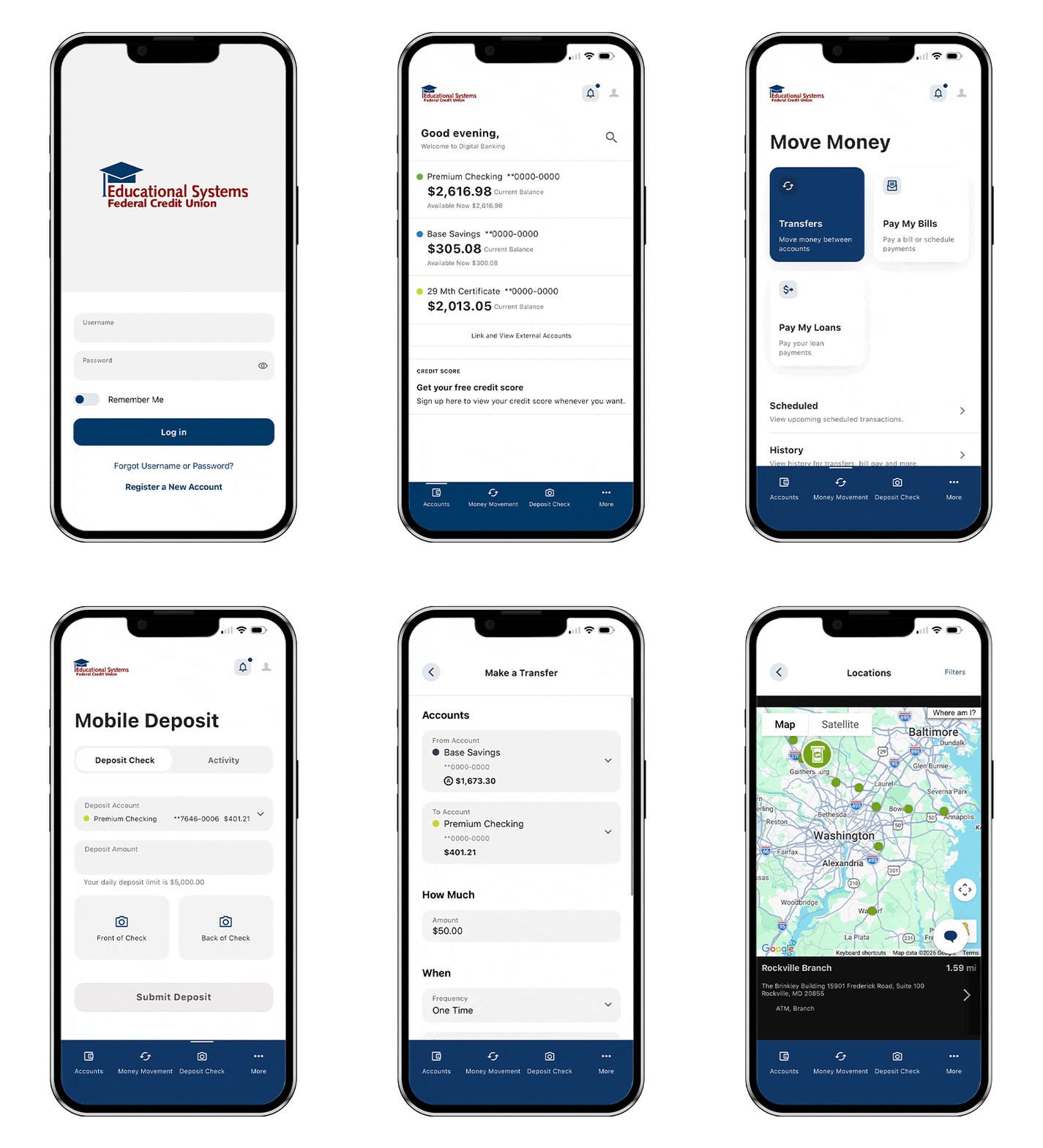
Manage your Educational Systems Federal Credit Union accounts anytime using online and mobile banking.
Getting started with Digital Banking
Mobile App Access
Register a New Account
Username Requirements
Digital Banking services to keep you connected
Zelle®

Credit Score and More, powered by SavvyMoney

Bill Pay
Save time and avoid late fees by paying your bills online through Bill Pay. It's safe, secure and convenient.

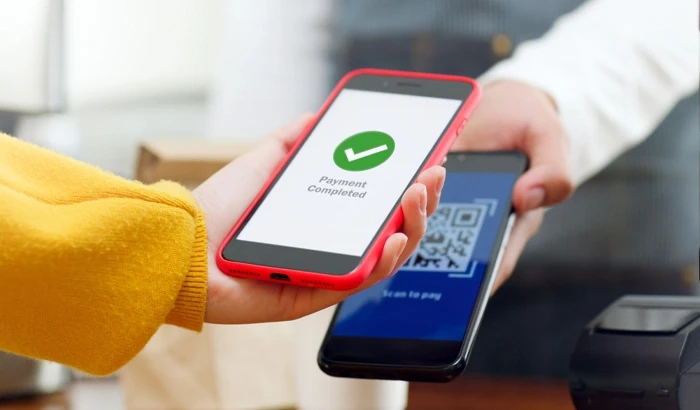
Mobile Wallet
Enroll your Educational Systems Federal Credit Union Visa® credit card and debit card in your mobile wallet for convenient payment and account access.
Card Management

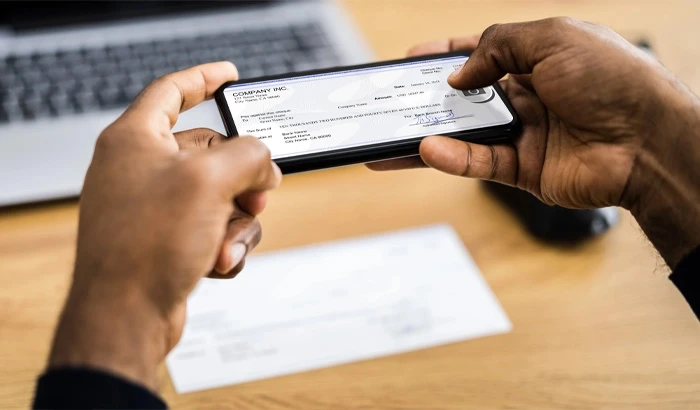
Mobile Check Deposit
Deposit checks remotely using the camera on your Smartphone and our mobile banking app.
eStatements
Reduce the paper clutter in your life by signing up for eStatements. Signing up is simple and lets you view your statements online through Digital Banking.

Account Alerts
Receive notifications about your account activity via text, email or through the mobile banking app.

Simplify day-to-day money management
- Track spending and saving toward your goals
- Save time and avoid late fees by paying bills online
- Deposit checks using the camera on your smartphone
- Get notifications about important account activity
- Pay friends and family directly from your account
Frequently Asked Questions
Please follow our step-by-step guide to deposit a check at an Educational Systems Federal Credit Union ATM.
The password must be a minimum of eight characters and include the following:
- At least one upper case letter
- At least one lower case letter
- At least one number
- Optional: One special character: (!@%$^&*_+= () [] {} :;,./?)